Basics of Web Design
30th July,2022Hello everyone, Hope you all are doing well! Today I am writing a blog on some basics of Web Design. So without any further delay , let me tell you what all I understood about Web Design when I did a course on it
Starting with what is Web Design , Web design consists of the design of a digital product (websites and apps). It may include several fields, such as User Interface (UI), User Experience (UX), and even Search Engine Optimization (SEO).
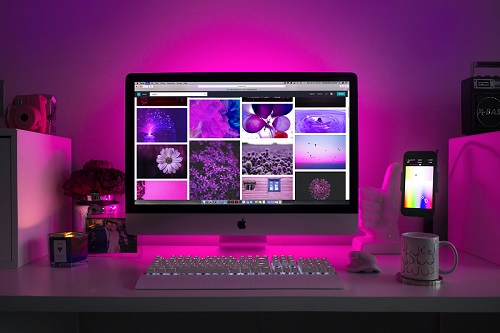
The difference between Web Designer and Web Developer is that the designer creates looks and feels of the website and apps while on other hand Web Developer builds it according to the design.
Now that you know what Web Design is, let’s talk about some key components of Web Design
Typography
Typography is art of making and arranging written language readable and beautiful. Some tips regarding Typography
- Use font size between 15 and 25 pixels
- Use Big Font sizes for Headlines(really big)
- Reduce font weight when you increase the font size
- Make use of 45 to 90 characters per line
There are two types of font San-Serif and Serif
San Serif is
- Neutral
- Clean
- Simple
- and used for Modern Websites
- Used for Traditional purpose
- Story telling
- Long reading
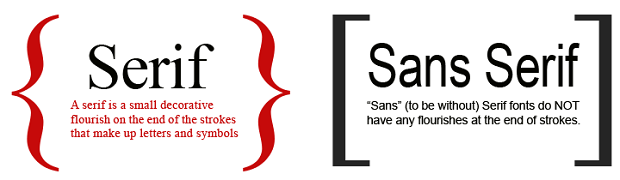
Some good San serif fonts are- OpenSans,Lato,Raleway,Monsterrat,PT sans
And some good Serif Fonts are Cardo,Merriweather,PT Serif
Enough of type of fonts now lets come and understand how to choose a font
How to choose a font
Thats all about Typography now lets see another important element of Web Desin that is Colours
Colours
Use Colours like pro
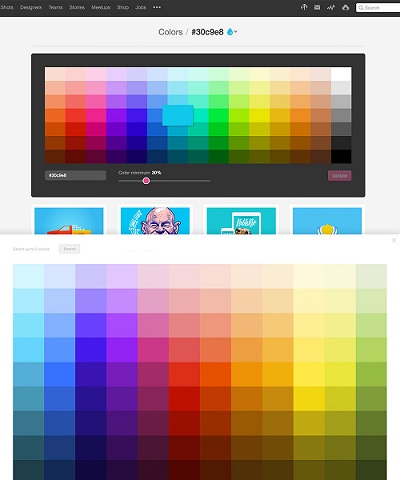
Here is the list for what each colour depicts and can be used for
Now lets see another element
Images
Working with Images
- Overlay image with black, or any colour to five effect and put text over image
- Simply putting text in box to make it standout
- Image blur is another good technique
- Floor fade is another technique
Icons
Working with Icons
Spacing and Layout
Whitespace should be used accurately
User Experience
Design according to users needs
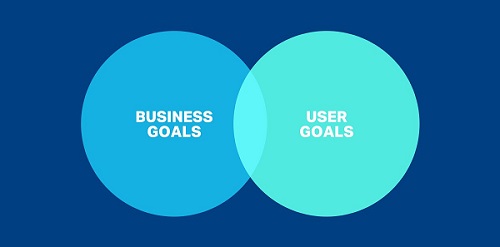
Thats all of basic of web design , I will add points as I learn more and more about it.
Thank you for reading
Go Back